

Roles and content blocks
Each message has two components:- Role — Specifies who is speaking in the conversation.
- Content block — Contains the actual text, images, or other content.
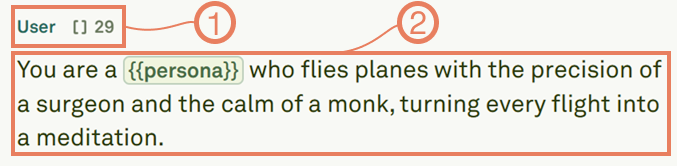
The role determines how the model treats the message, while the content block holds what is actually sent — whether that is text, images, PDFs, or a combination.
Next steps
Use Text in Prompts
Compose text content with variables, comments, and structured formatting.
Use Images in Prompts
Add image inputs for multi-modal prompts.