

Create a new environment
To create a new environment, click Create a new environment from the Deploy page: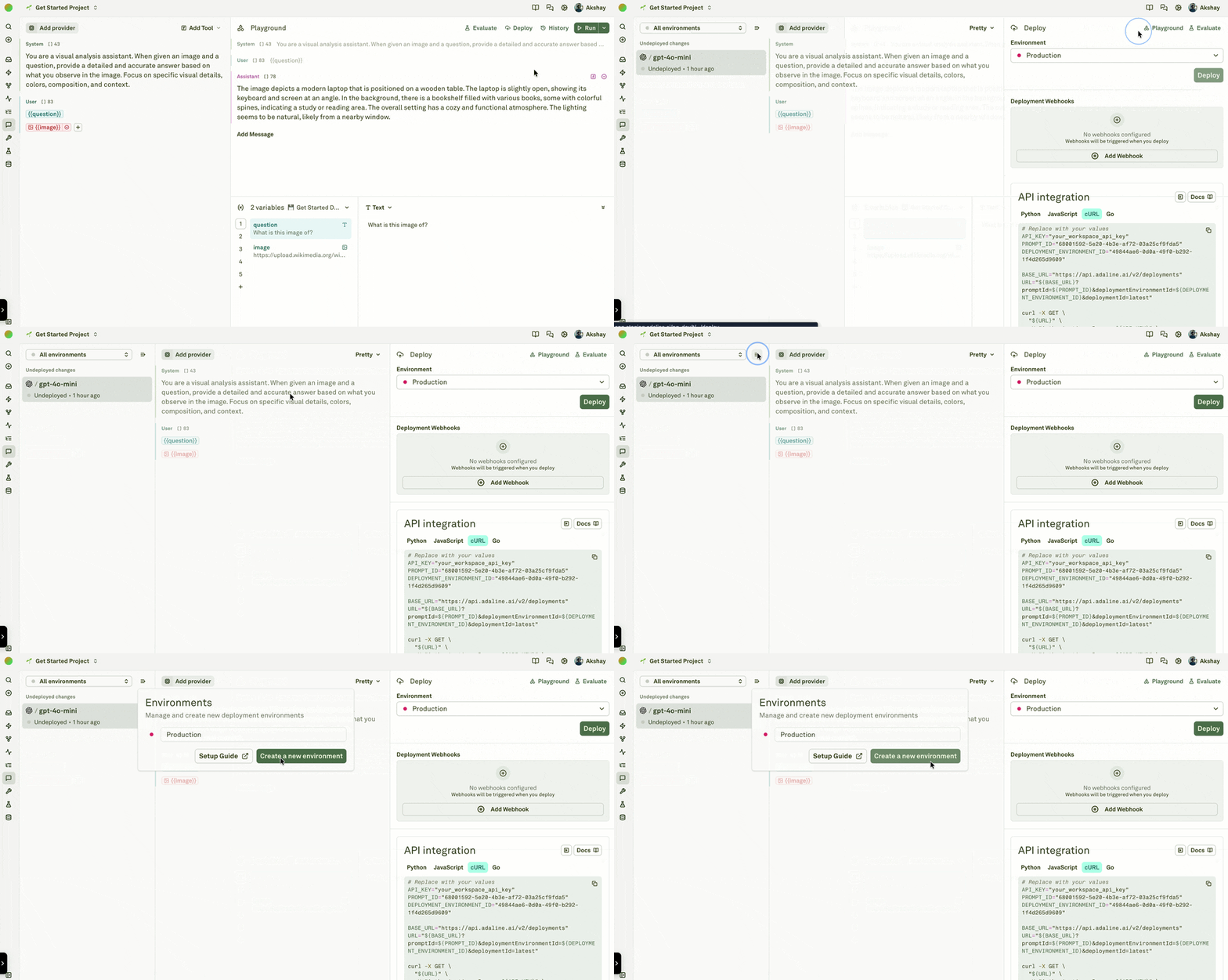
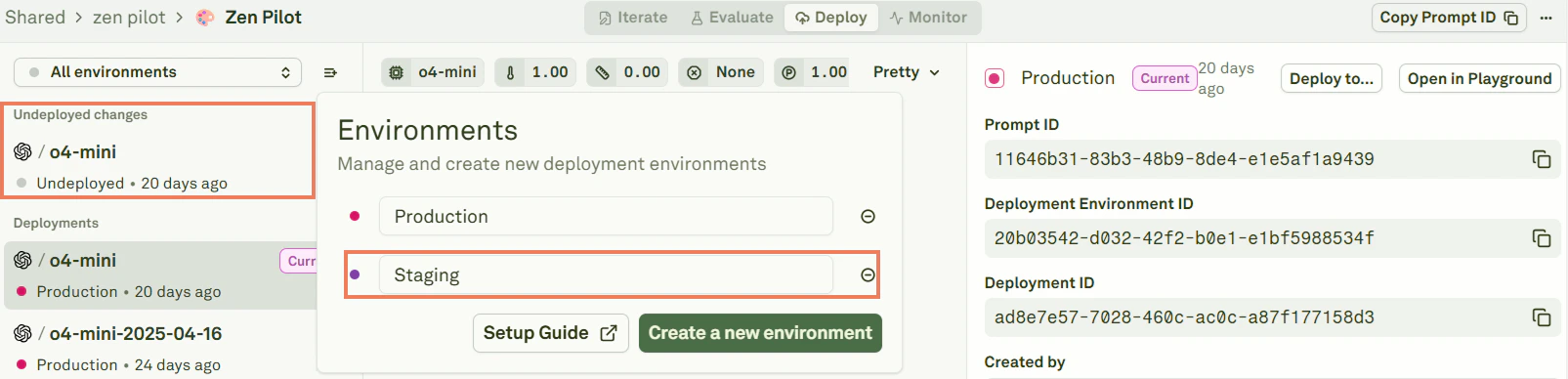
View all environments
Click All environments to see every environment configured for your project: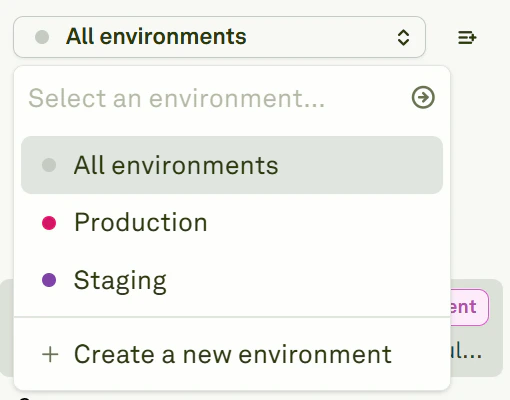
Delete an environment
To delete an environment, click the minus sign next to its name: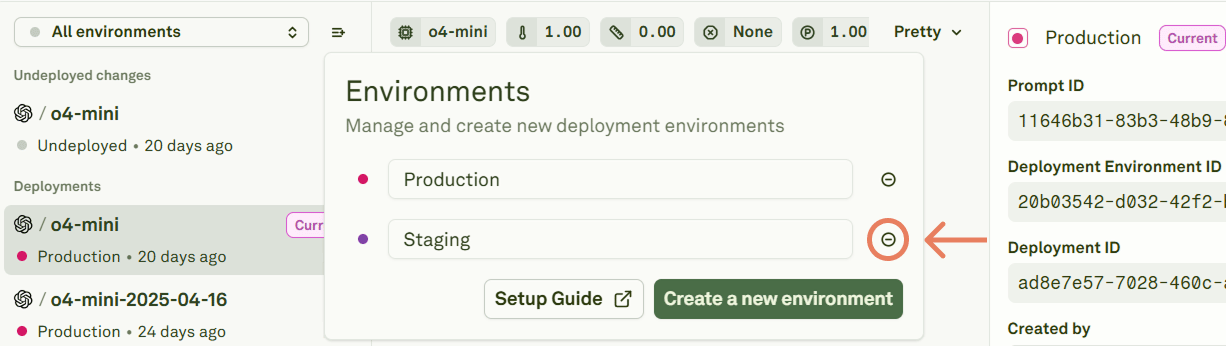
Next steps
Deploy Your Prompt
Ship prompts to your configured environments.
Configure Webhooks
Set up real-time notifications for deployments.