

Import a CSV file
Open your dataset and click Upload CSV to start the import: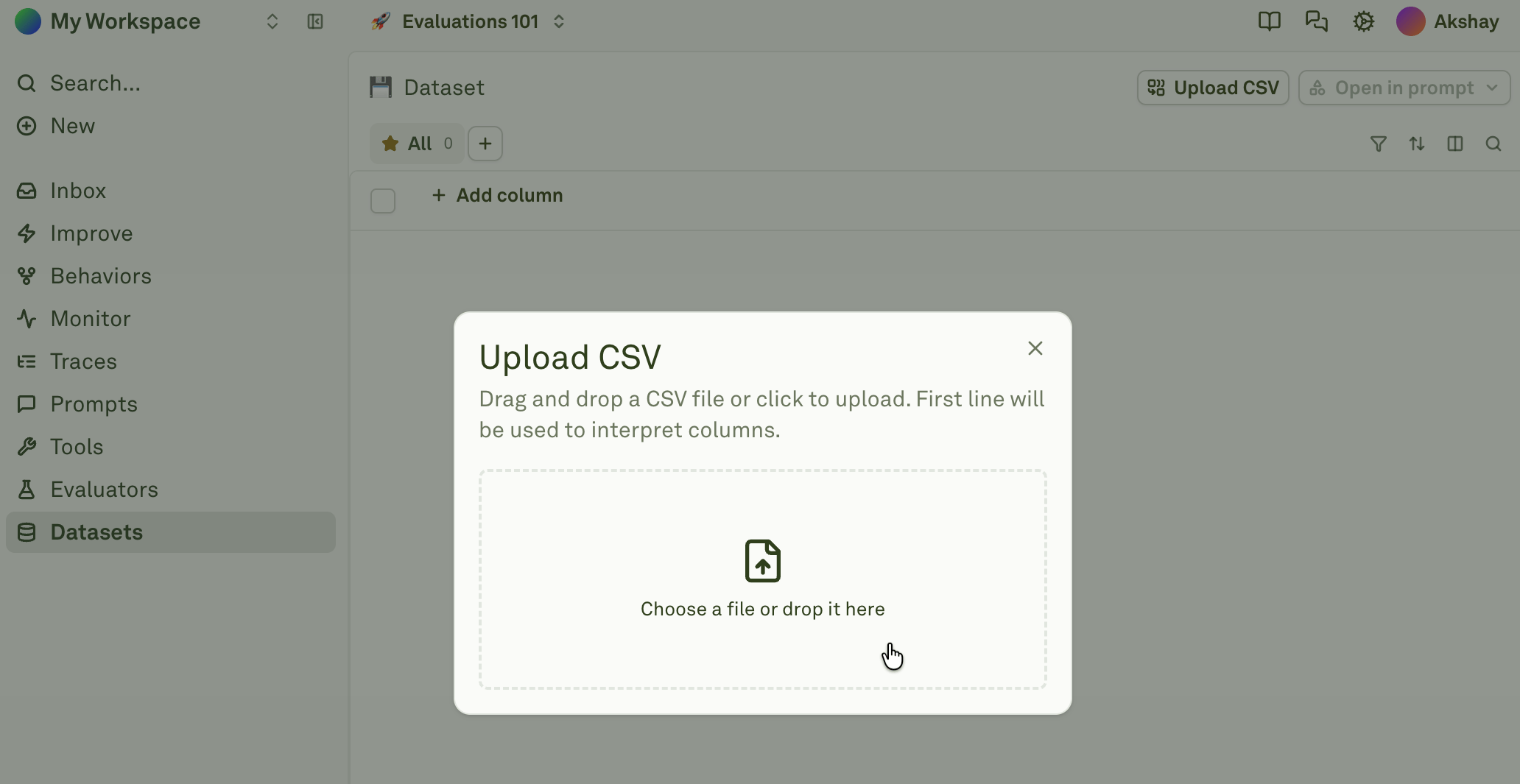
Import behavior
The system handles empty and existing datasets differently:CSV format and examples
The first row of your CSV is always the header row — these become (or must match) your dataset column names. Every subsequent row is a test case. Column names should match your prompt’s variable names exactly so they map correctly during evaluation.Text-only CSV
A standard CSV where every cell contains plain text:Text and images
To include images in a CSV, use a publicly accessible image URL or a base64-encoded image string as the cell value. Adaline automatically detects the modality.Text, images, and PDFs
Combine all three modalities across different columns:Base64-encoded content
You can include base64-encoded images or PDFs directly in the CSV. This is useful when your files are not publicly hosted:How modality detection works
When Adaline parses a CSV, it inspects each cell value and determines the modality:- Plain text values are treated as text.
- Values starting with
http://orhttps://pointing to image files (.png,.jpg,.jpeg,.gif,.webp) are treated as images. - Values starting with
http://orhttps://pointing to.pdffiles are treated as PDFs. - Values starting with
data:image/are treated as base64-encoded images. - Values starting with
data:application/pdf;base64,are treated as base64-encoded PDFs.
Next steps
Different Modalities
Work with text, images, and PDFs in dataset cells.
Setup Dataset
Create and configure datasets for evaluation.