> ## Documentation Index
> Fetch the complete documentation index at: https://www.adaline.ai/docs/llms.txt
> Use this file to discover all available pages before exploring further.
# Introduction
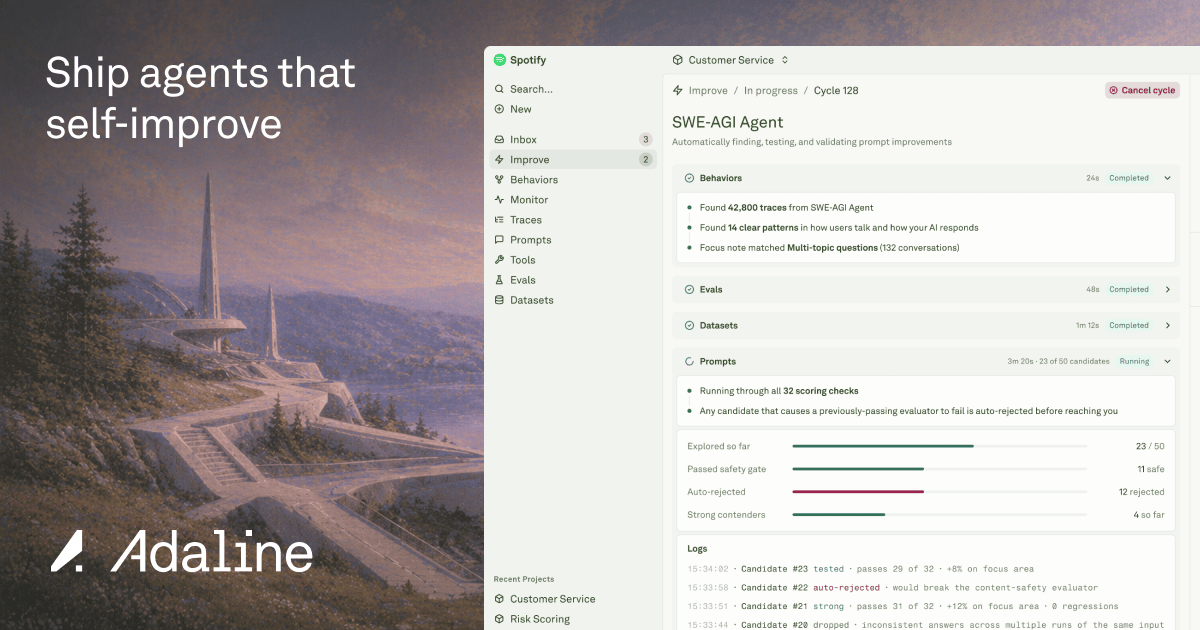 Adaline helps product and engineering teams ship AI agents that keep learning and self-improving from production logs. Start by sending your AI agent logs to Adaline and let us group recurring agent patterns into Behavior maps, which in turn are used to automatically create new Evaluators, Datasets and Prompt Improvements for your team to inspect and one-click Deploy.
Adaline is not just another observability dashboard that expects a human to read every log. Adaline handles all of the logs parsing, understanding, triaging itself and automatically suggests Improvements for your AI agent. Adaline does this without humans. Adaline does this 24x7.
To get started, create an [Adaline account](https://app.adaline.ai/sign-up).
## Quickstart
Send AI agent logs, traces, spans, sessions, and metadata to Adaline.
Create a prompt, run it in the playground, and inspect the result.
Measure prompt quality with datasets and evaluators.
## Core Concepts
Read [The Adaline Method](/get-started/the-adaline-method) for the full self-improving loop, or dive into the core Platform sections:
Send AI agent logs, traces, spans, sessions, feedback, and metadata to Adaline.
Run the AI improvement layer: cycles, Behaviors, issues, triage, auto-evals, synthetic datasets, and prompt optimizations.
Inspect production logs, sessions, traces, spans, search, exports, and Monitor dashboards.
Turn production patterns, user feedback, and quality rules into checks that catch regressions.
Store production cases, generated examples, golden paths, and regression rows.
Build, test, version, evaluate, improve, and deploy prompt behavior.
Define reusable tool schemas and HTTP-backed actions for agent workflows.
Adaline helps product and engineering teams ship AI agents that keep learning and self-improving from production logs. Start by sending your AI agent logs to Adaline and let us group recurring agent patterns into Behavior maps, which in turn are used to automatically create new Evaluators, Datasets and Prompt Improvements for your team to inspect and one-click Deploy.
Adaline is not just another observability dashboard that expects a human to read every log. Adaline handles all of the logs parsing, understanding, triaging itself and automatically suggests Improvements for your AI agent. Adaline does this without humans. Adaline does this 24x7.
To get started, create an [Adaline account](https://app.adaline.ai/sign-up).
## Quickstart
Send AI agent logs, traces, spans, sessions, and metadata to Adaline.
Create a prompt, run it in the playground, and inspect the result.
Measure prompt quality with datasets and evaluators.
## Core Concepts
Read [The Adaline Method](/get-started/the-adaline-method) for the full self-improving loop, or dive into the core Platform sections:
Send AI agent logs, traces, spans, sessions, feedback, and metadata to Adaline.
Run the AI improvement layer: cycles, Behaviors, issues, triage, auto-evals, synthetic datasets, and prompt optimizations.
Inspect production logs, sessions, traces, spans, search, exports, and Monitor dashboards.
Turn production patterns, user feedback, and quality rules into checks that catch regressions.
Store production cases, generated examples, golden paths, and regression rows.
Build, test, version, evaluate, improve, and deploy prompt behavior.
Define reusable tool schemas and HTTP-backed actions for agent workflows.